
Abstract motion design · AI art direction example video
Copper ribbons in flow
Copper and cream ribbons glide across black — material motion for jewelry and premium detail.
Explore the gallery →Your own generative art gallery
Build a branded gallery for your generative artwork. Set the direction, generate new work, decide what gets published, and sell digital downloads from your own storefront.
Your own subdomain · Human publishing controls · Built-in digital storefront
A gallery built around your work
Your name, your direction, your storefront — not a feed of unrelated images.
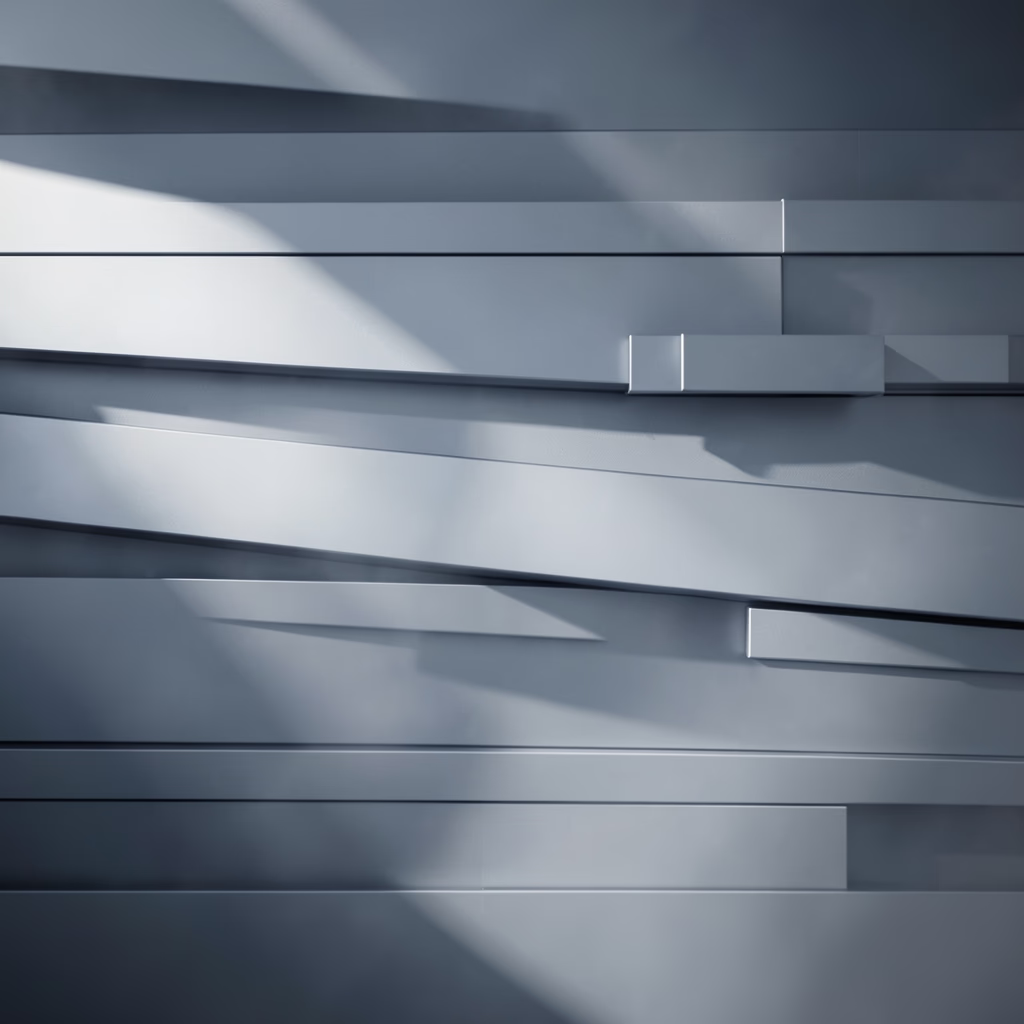
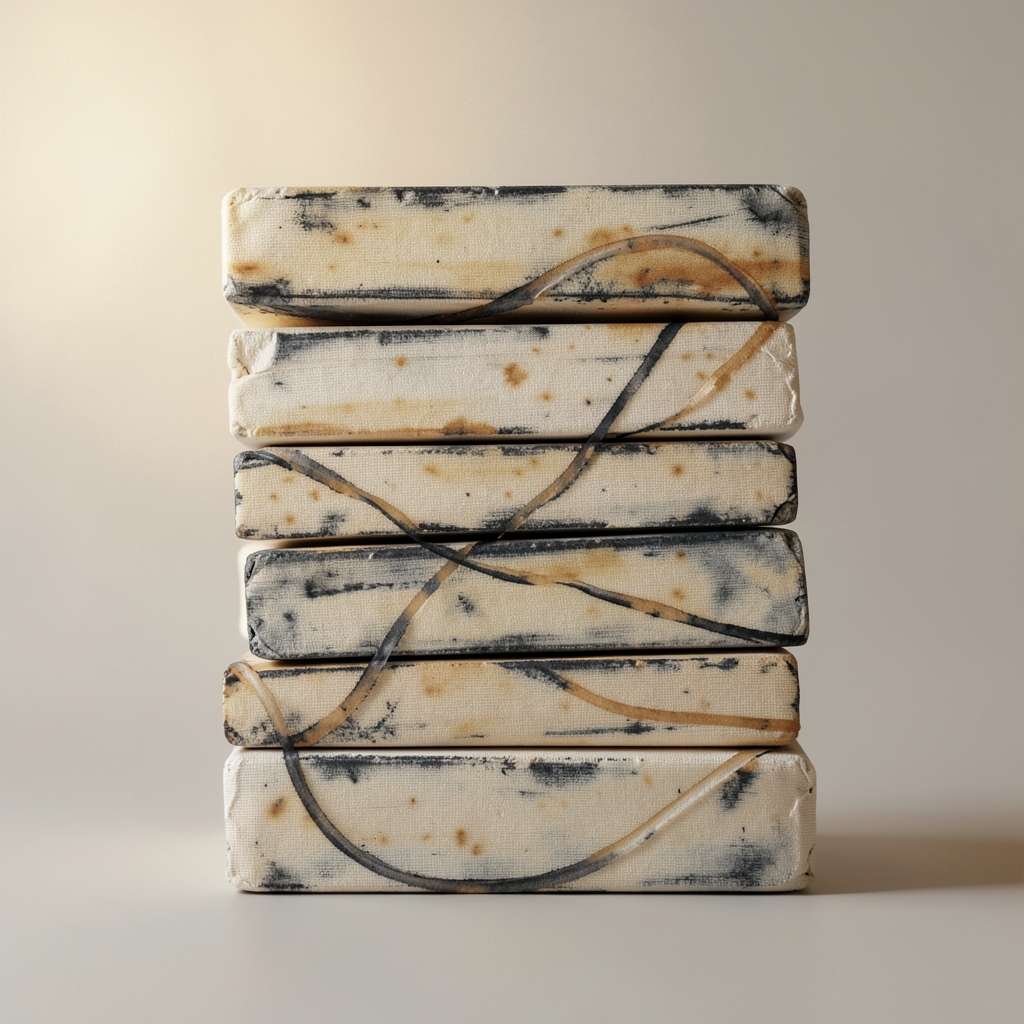
Contrast
2026-11-20
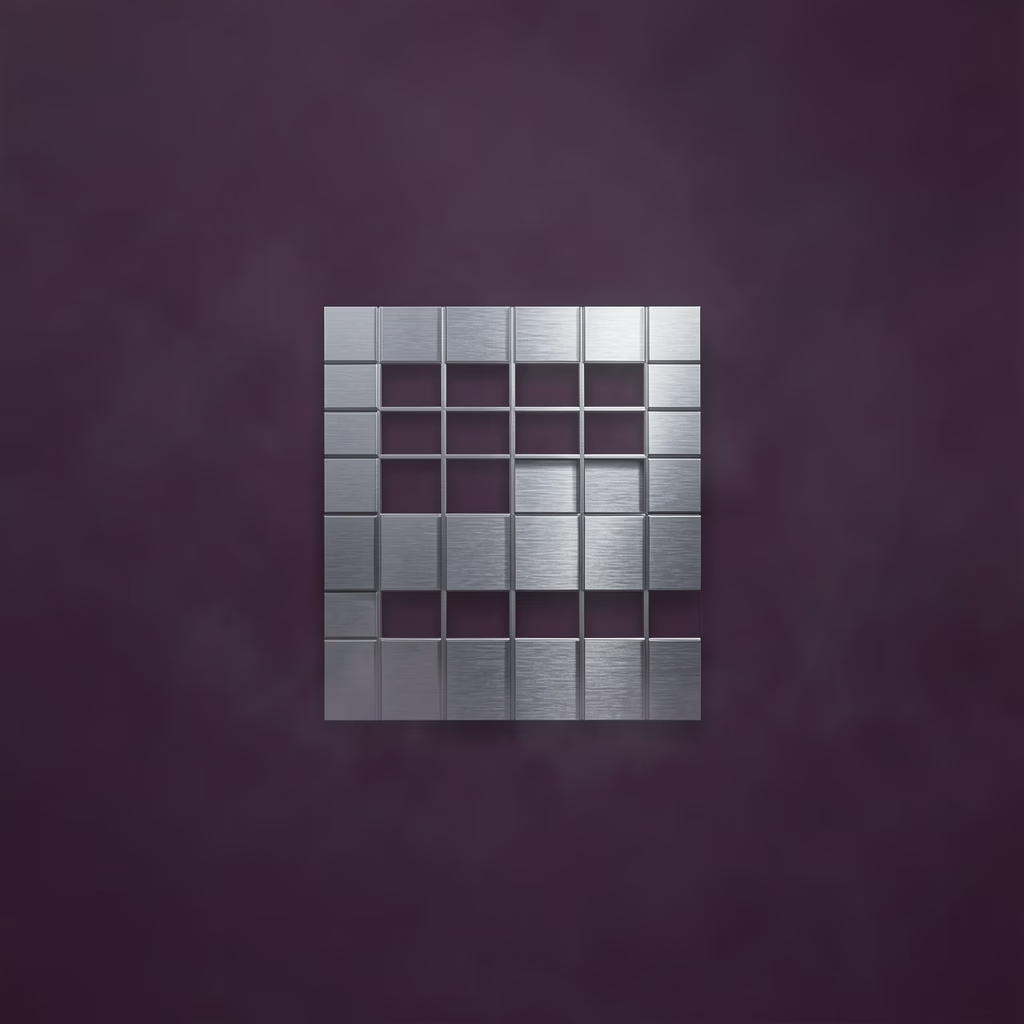
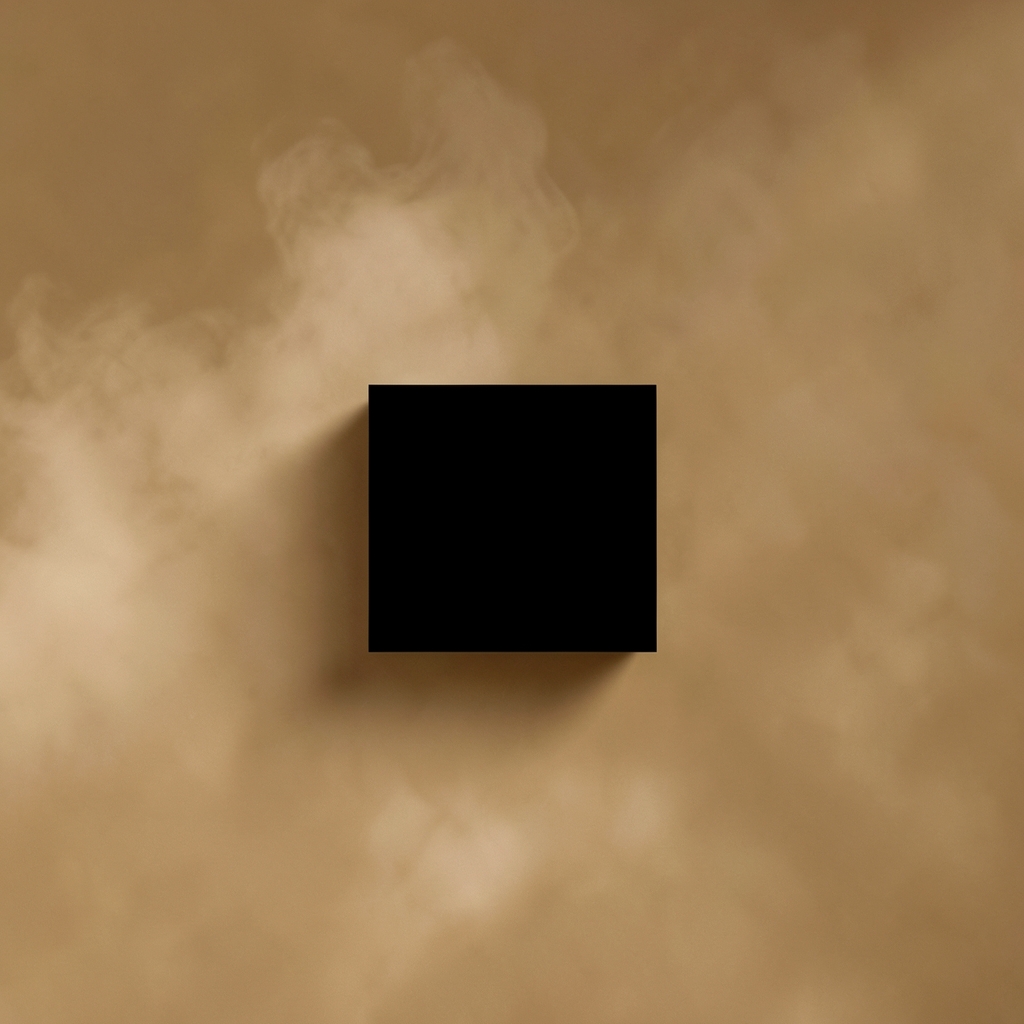
Composition
2026-11-20
Gradients
2026-11-20
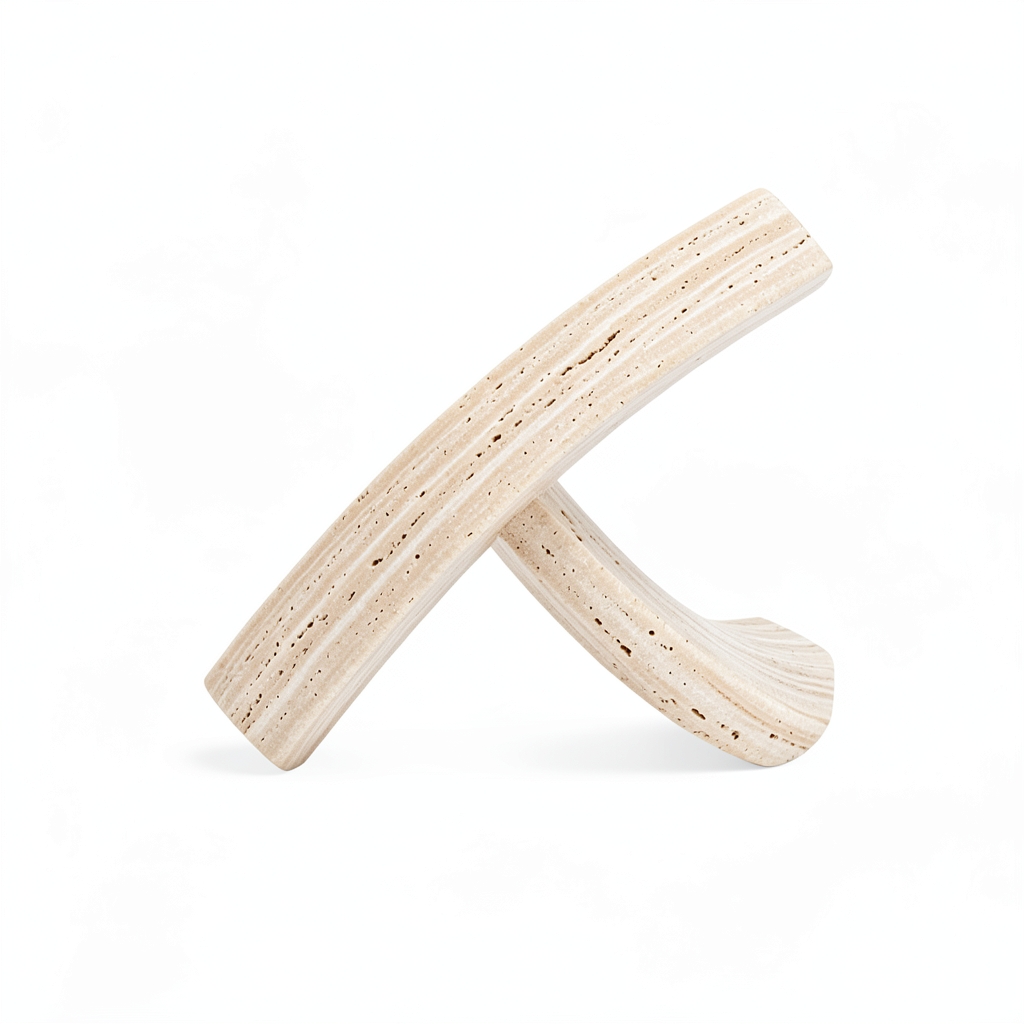
Travertine
2026-11-20
The product
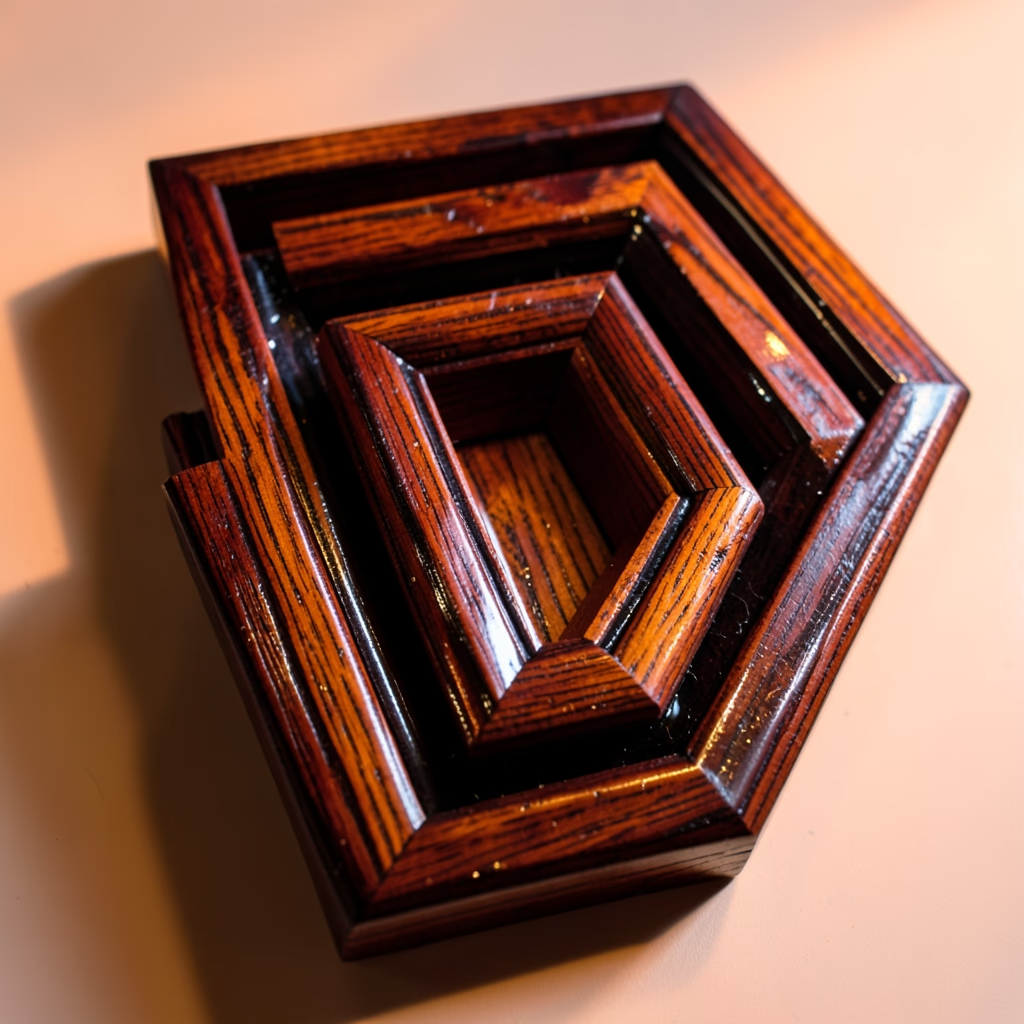
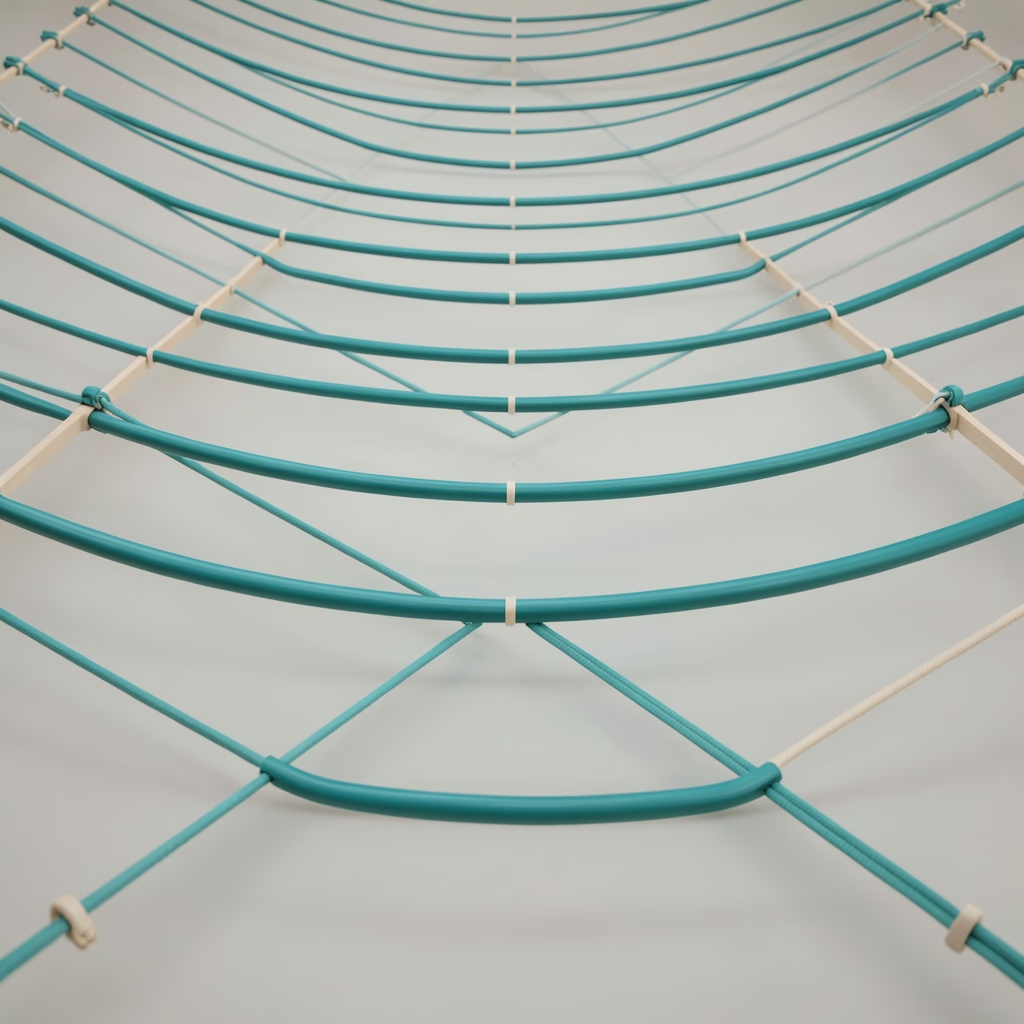
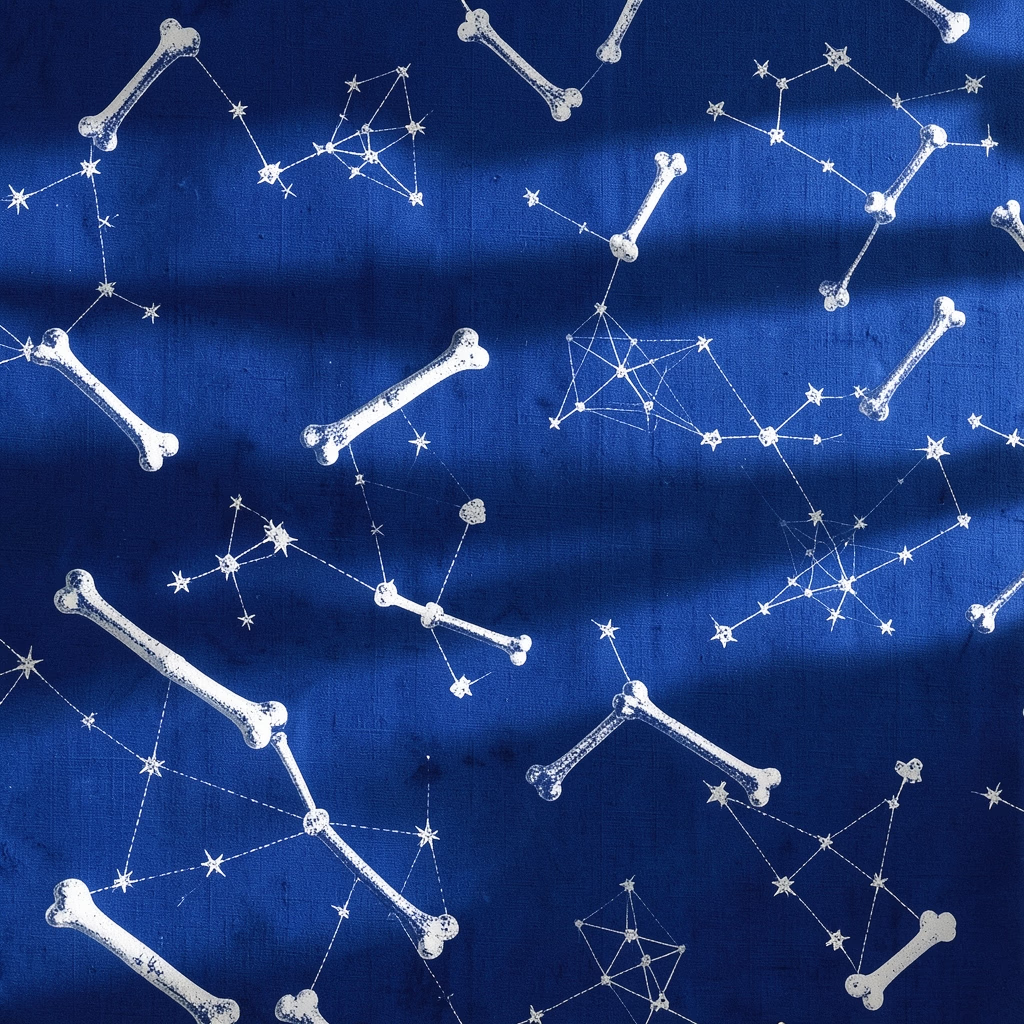
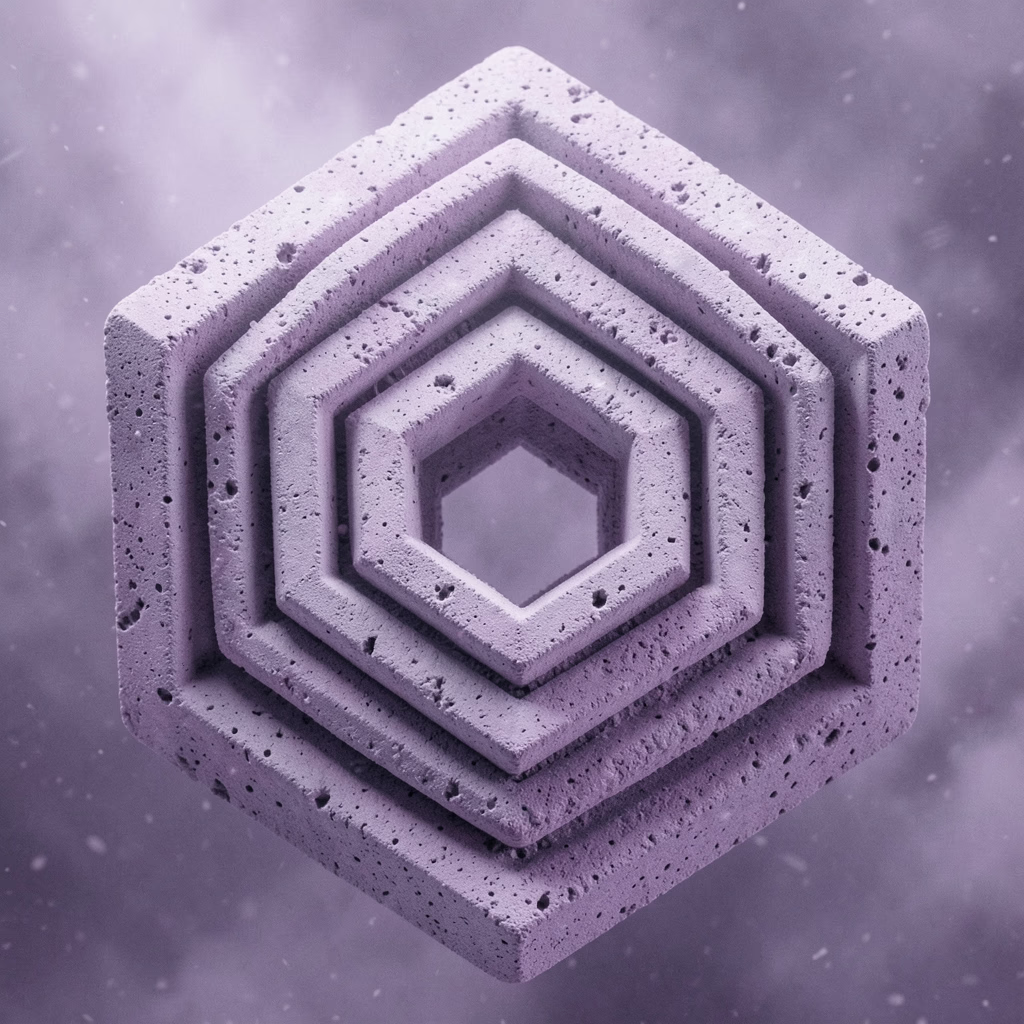
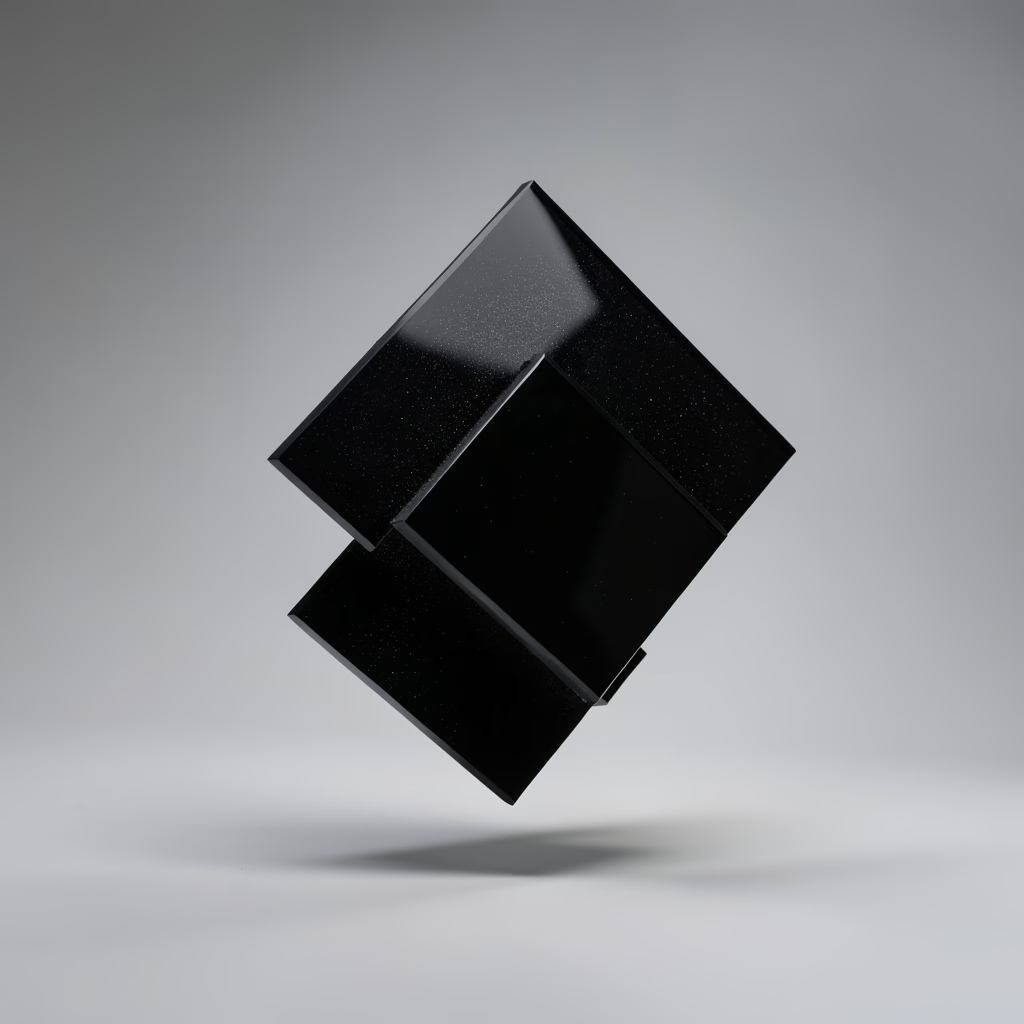
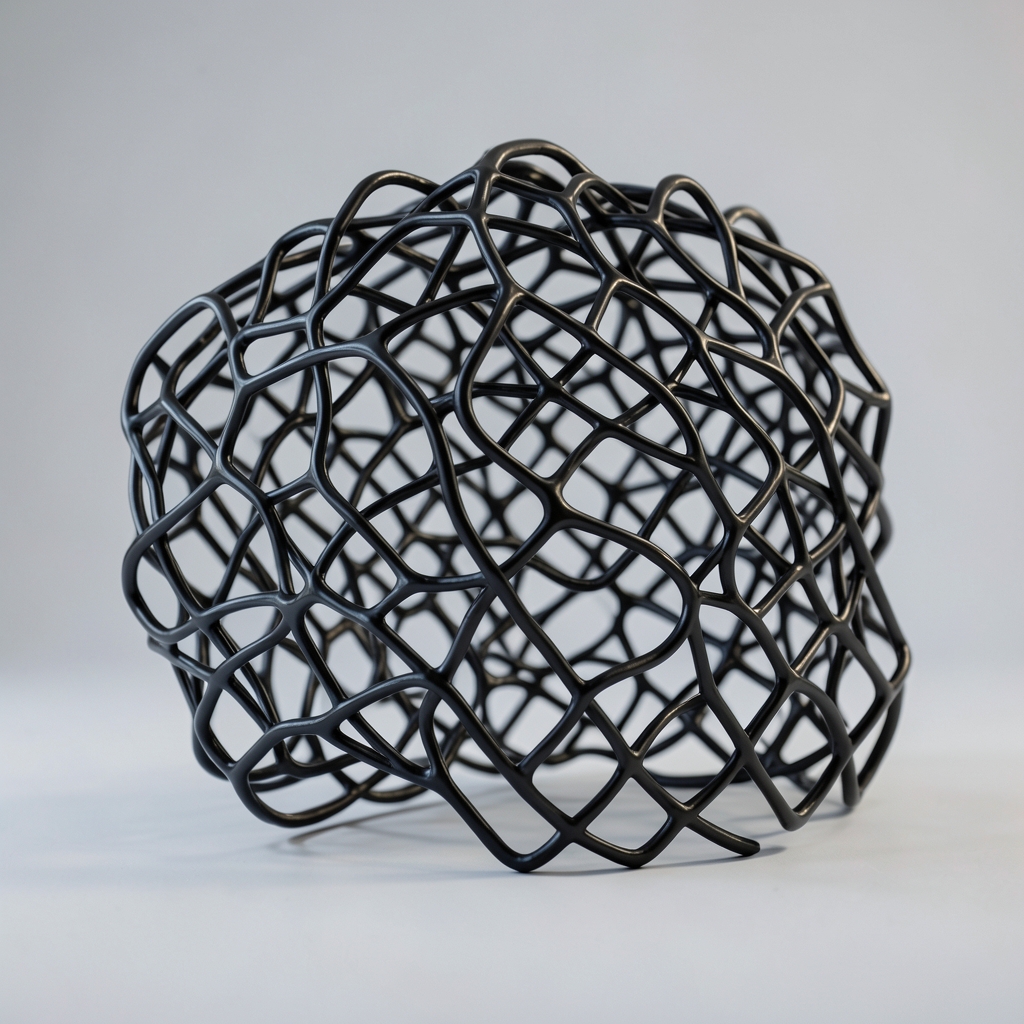
Each gallery gets its own identity: a name, a description, a you.synthetic.pics subdomain, and a coherent creative direction. Published work gets individual artwork pages with SEO and sitemap support. Representative preview below — built from real synthetic.pics artwork.
Shown: recent works from the main gallery as examples of the format. Browse the gallery →
Process
Four guided steps after checkout. Minutes, not weeks — and nothing to code. Details of the craft behind the system live on the method page.
01
Set the creative direction for your gallery, including the artistic approach and available generation settings.
02
Select from the image models available in your plan. Creator includes the core model; Studio and Pro unlock the full catalog including FLUX.2 Klein.
03
Generate artwork on a schedule and review the results. Publish the pieces you want in your public gallery. Unpublished work stays private.
04
Launch at your own subdomain, set prices, and let buyers purchase high-resolution digital downloads through the integrated storefront.
Range
One gallery, one direction — not a dump of unrelated images. A selection from the archive showing the breadth the system supports. See the broader offering in generative art.
Motion
Five motion direction references — copper, glass, light, and fabric studies. Shoot the still, then carry the look into motion for your store, campaign, or social.
Abstract motion design · AI art direction example video
Copper and cream ribbons glide across black — material motion for jewelry and premium detail.
Explore the gallery →Abstract motion design · AI art direction example video
A circular prism refracts green, red, and violet light on black — campaign-ready color motion.
Explore the gallery →Abstract motion design · AI art direction example video
A glowing streak drifts across a dark block as thin smoke curls past — restrained motion for premium launches.
Explore the gallery →Abstract motion design · AI art direction example video
Frosted glass planes slide over deep red — architectural motion for tech and launch stories.
Explore the gallery →Abstract motion design · AI art direction example video
A loop of sheer blush fabric drifts on grey — soft motion for beauty and lifestyle.
Explore the gallery →Control
Generation is scheduled. Publication is human. That separation is the point.
Create a regular flow of new artwork using the settings and models available to your gallery.
Review the output and publish the work you want to show. Unpublished work stays private.
Published work gets a dedicated place in your gallery, with individual artwork pages and SEO support.
Commerce
Every plan includes selling. Publish artwork with a price, connect your own Stripe account, accept payments through the storefront, and deliver high-resolution digital downloads to buyers. Usage terms for buyers are documented in licensing.
Artwork sales carry a 30% platform fee. You receive 70%.
For a $20 sale: you receive $14.00 · platform fee $6.00.
Illustrative split before any applicable taxes or other charges the checkout may apply. A gallery is a place to publish and sell — not a guarantee of sales.
Contrast
High-resolution digital download
$20
Representative artwork listing format — price shown for illustration.
Pricing
Monthly billing. Each subscription covers one gallery. Unused generations do not roll over. All plans include the digital storefront.
$19 / month
100 generations / mo
$49 / month
500 generations / mo
$99 / month
2000 generations / mo
Artwork sales carry a 30% platform fee (you receive 70%). Custom domains are not yet available; Pro members get first access when they are. See full setup on Create →
FAQ
A dedicated online gallery for generative artwork, with its own you.synthetic.pics subdomain, creative direction, public gallery, and optional sales of high-resolution digital downloads.
No. Setup is guided: after checkout you complete four steps — Direction, Model, Domain, Monetize — choosing your creative direction, model, subdomain, and sales settings. No programming required.
Yes. Every plan includes a digital storefront. Connect your own Stripe account during setup, publish artwork with a price, and buyers check out securely to receive a high-resolution download. You keep 70% of each completed sale; a 30% platform fee applies. Payouts land in your connected Stripe account.
Artwork sales carry a 30% platform fee; you receive 70%. For a $20 sale that is $14.00 to you and $6.00 platform fee, computed to the cent. This is an illustrative split before any taxes or charges the checkout may apply. No sales, no fees.
Creator includes the core gallery model (SDXL Lightning). Studio and Pro unlock the full currently supported catalog, including FLUX.2 Klein. The setup wizard only offers models your plan includes.
Unpublished work stays private. Only work you choose to publish appears in your public gallery with its own artwork page.
Not yet. Custom galleries use a you.synthetic.pics subdomain. Custom domains are not currently available; Pro members receive first access when they are introduced.
Yes — anytime, self-serve from your dashboard billing page. If you cancel, your subscription stays active until the end of the current billing period.
Each plan includes a monthly generation allowance (100 on Creator, 500 on Studio, 2000 on Pro) that renews each billing cycle. Unused generations do not roll over. If you hit your limit, upgrade from dashboard billing.
More on collecting, licensing, and the main gallery in the FAQ and licensing.
Set your direction, choose your model, and launch a gallery for your work.
Monthly plans · Cancel anytime · No coding required
Composition
2026-11-20
Gradients
2026-11-20
Travertine
2026-11-20
Against
2026-11-19
Bands
2026-11-19